
The shelf directory, from the sixteen obvious entries to the ones nobody links
Every browsing path in one place, with a note on what each shelf does to a parcel once it is packed.

Sixteen shelves with a photograph each
These are the entries most people open first. Each card leads to a shelf of listings with seller photographs, prices in yuan, and the item link you will paste into the agent's search bar.
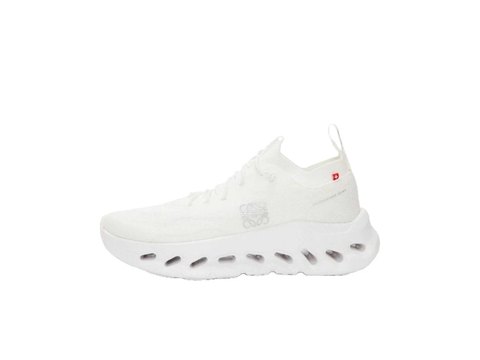 SneakersBox plus shoe, the pair that most often rewrites a parcel quote.Category
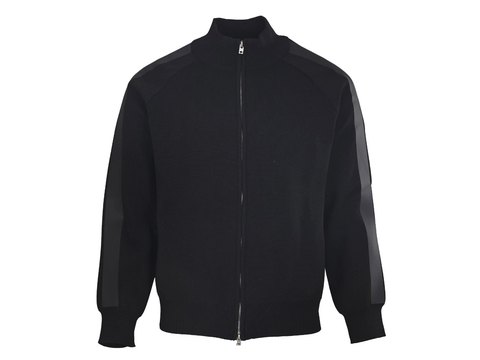 Jackets and coatsLight on the scale, greedy with space once it is folded.Category
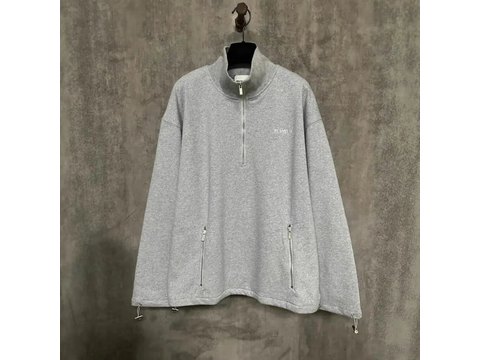 HoodiesCotton fleece holds air; vacuum service exists for exactly this.Category
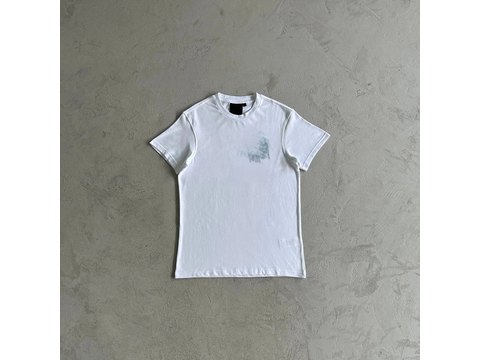 T-shirtsThe cheapest thing to add once a parcel is already moving.Category
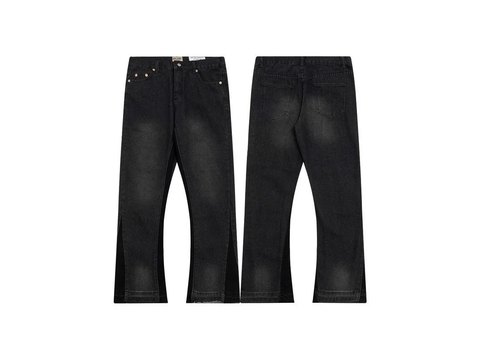 JeansDenim is dense: real grams, small volume, easy to combine.Category
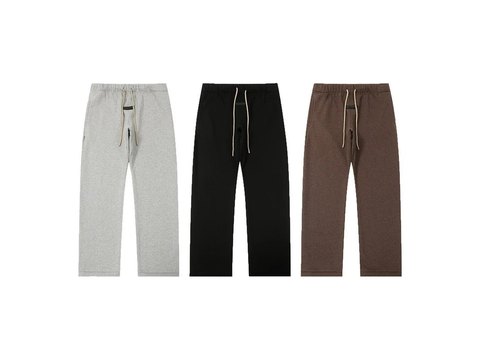 SweatpantsSoft goods that compress well and travel in the gaps.Category
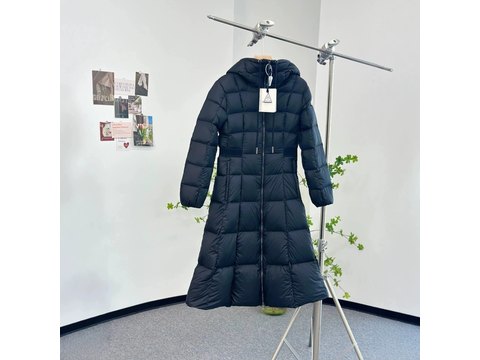 WomenswearA keyword view rather than a shelf, so read titles closely.Search results
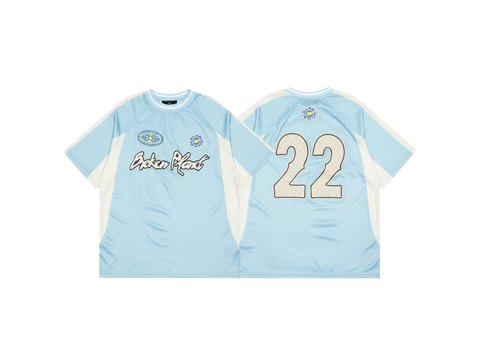 JerseysThin polyester, flat, and almost always under-charged by volume.Category
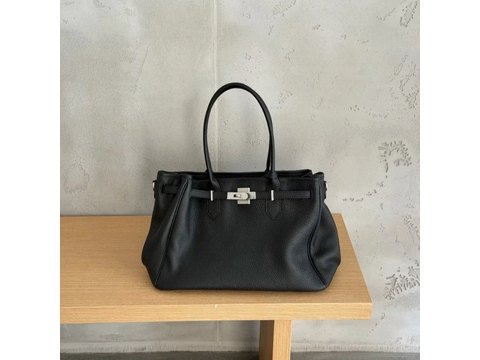 BagsShape has to be kept, so the filler travels with the bag.Category
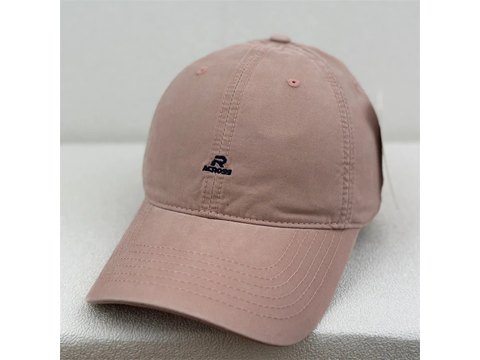 HatsCrowns collapse in transit unless something holds them.Category
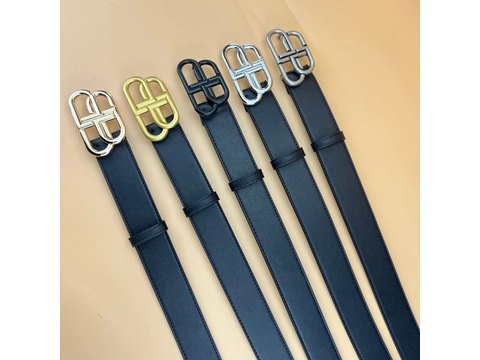 BeltsHeavy for the size, and happy to be coiled into dead space.Category
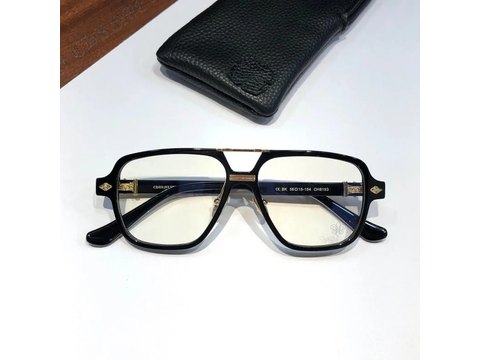 EyewearThe case doubles the volume; the frame needs it anyway.Category
 FragranceLiquids carry route limits, so check before the cart stage.Category
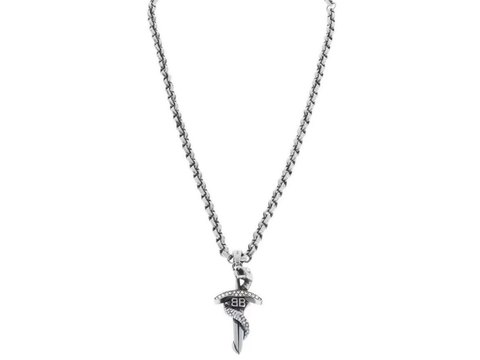 JewelleryGrams, not kilos, yet the padding decides the final box.Category
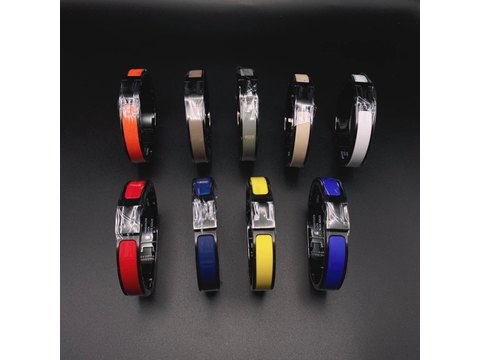 Watches and strapsSmall, dense, and usually boxed far larger than the item.Category
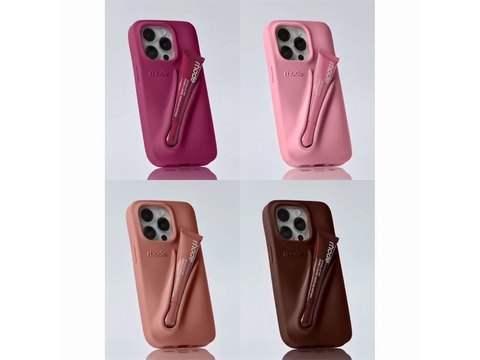 ElectronicsInspection stops at the outside, which changes how you buy.Category
Every path in the catalogue, grouped as a wardrobe
The sixteen cards are a shortcut. Underneath them the catalogue carries about seventy shelf paths, and the smaller ones are where the browsing gets interesting: belt bags, clutches, sun-protection layers, styling irons, slippers. Everything below is a live shelf, listed once, with no path repeated.
Powered and scented
Four deeper paths exist in the catalogue that we do not link: a top-level folder whose name is misspelled at the source, and the three sub-shelves under it. They resolve, but the address is a typo nobody has fixed, so sending readers there seemed unwise.
Typing a search rather than scrolling
The search box at the top of every page here runs against the same catalogue. Plain descriptive words work best: fabric, colour, cut, use. Searching by a label name mostly returns whatever sellers typed into their titles, which is rarely what you meant.
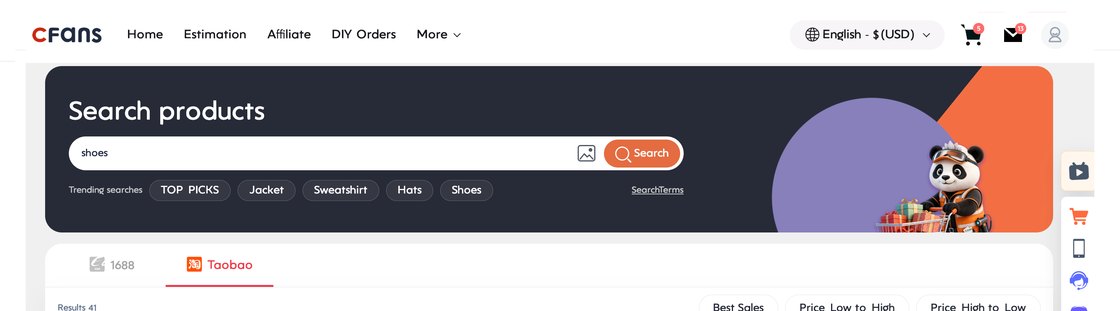
On the agent side the search bar behaves differently again. It takes a pasted item link from Taobao, Tmall or 1688 and rebuilds the listing in English, it takes keywords, and it takes an uploaded photograph. The published note is that cleaner backgrounds give better photo matches.
What a catalogue card tells you, and what it hides
A catalogue card tells you three useful things and hides a fourth. It shows the photograph the seller uploaded, the price in yuan before any fee, and the marketplace it came from. It does not show the packed size, which is the figure that decides your shipping later.
Occasionally a seller does print it. One fragrance listing in the shelf below carries the carton size and the gross weight stamped straight onto the photograph, which is the single most useful thing a listing photograph can do.
Which is the whole argument for grouping shelves by behaviour: flat pack, air pockets, dense weight, small and fragile.
From a shelf card to an order
Copy the item link from the listing, paste it into the agent's search bar, and the order form rebuilds with colour, size and quantity. Pay for the goods and the domestic leg, wait for the inspection photographs, then choose a route when you are ready to send the whole lot.
The long version with every official screenshot is on the ten-step walkthrough, and the account prerequisites are on the account page.